




Mac
For macOS

Simple. Ribbons is the place for the things you want to keep close — links, images, text, and documents. Save them when you find them, then bring them back in seconds.
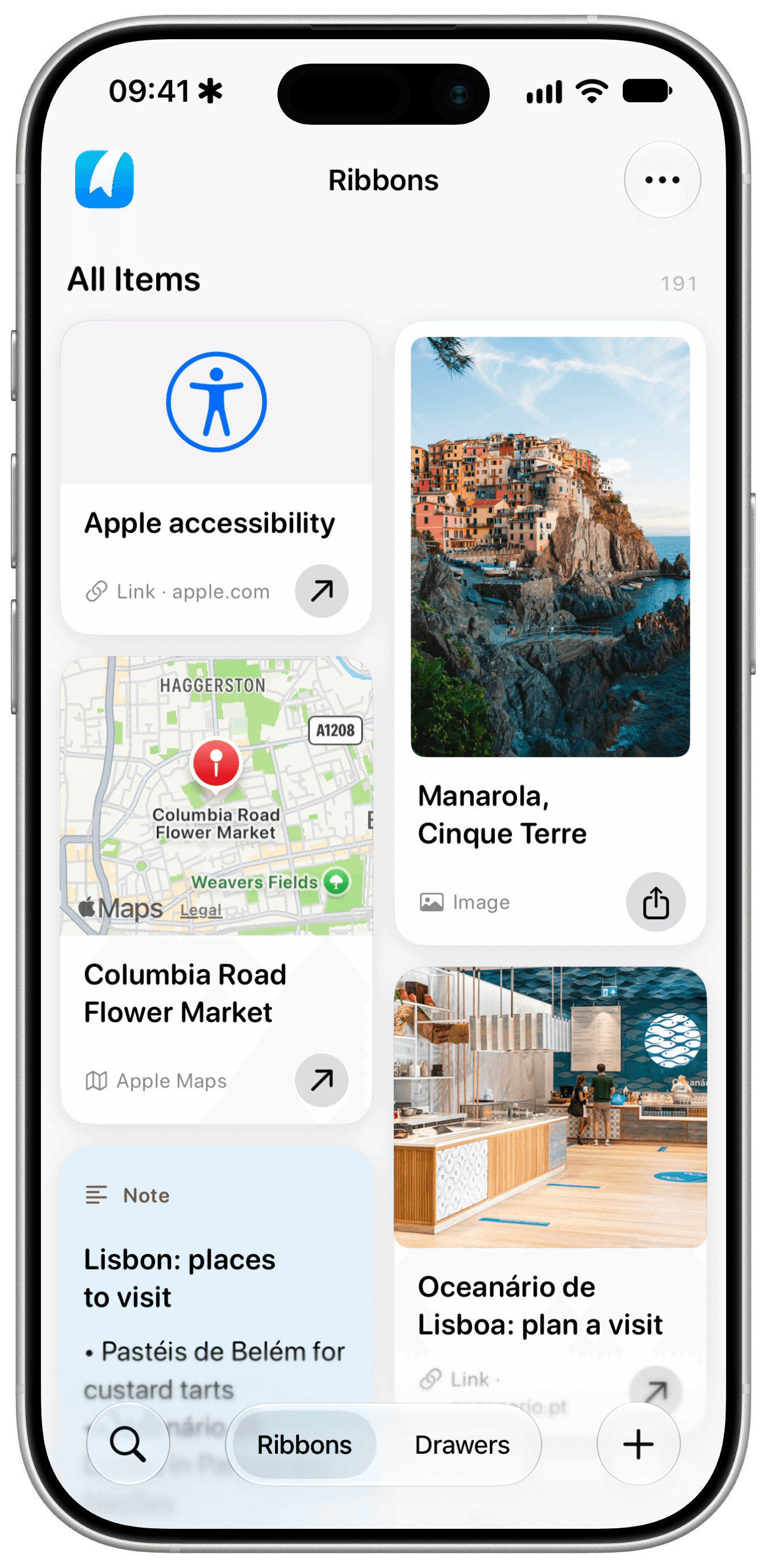
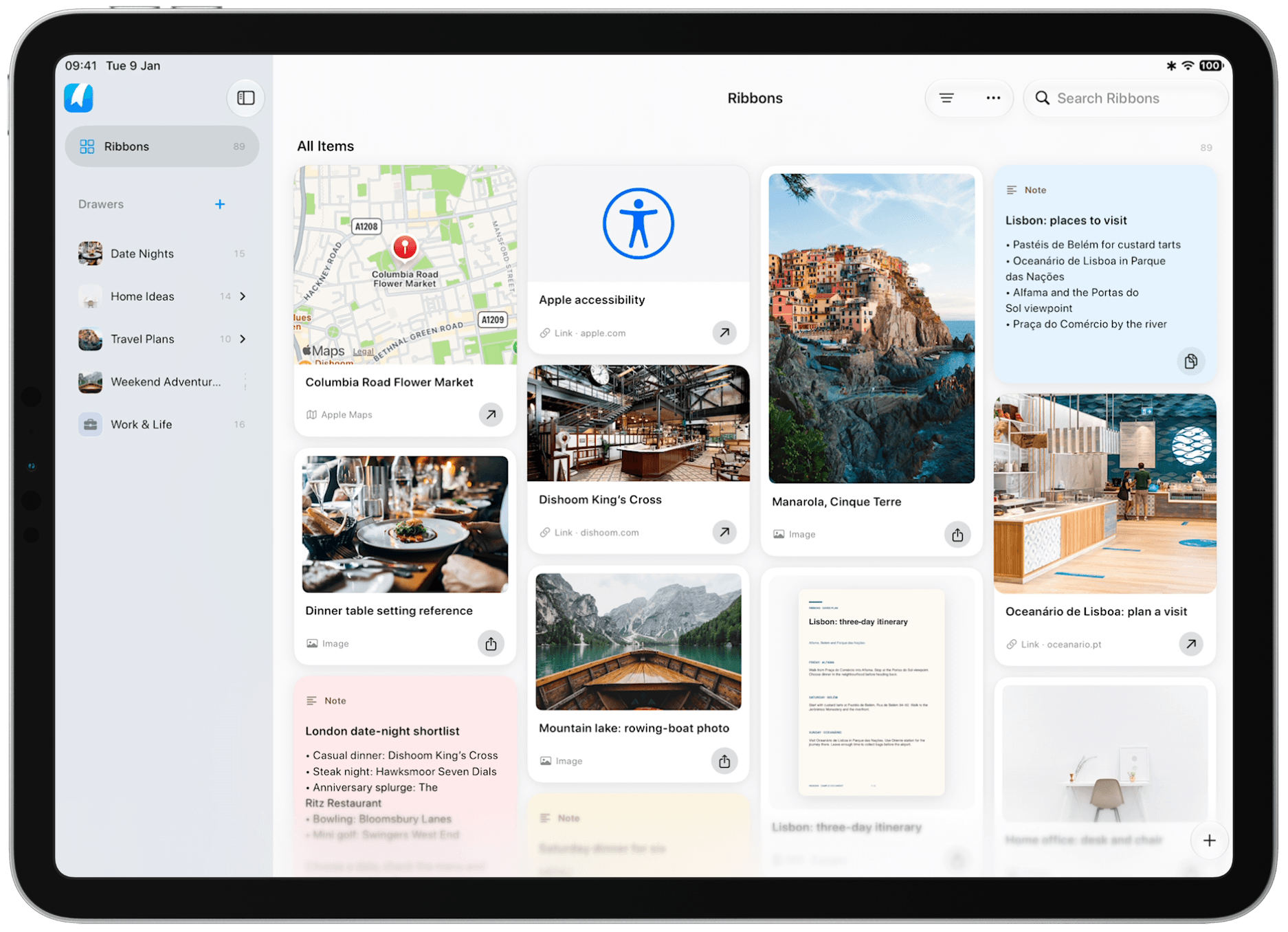
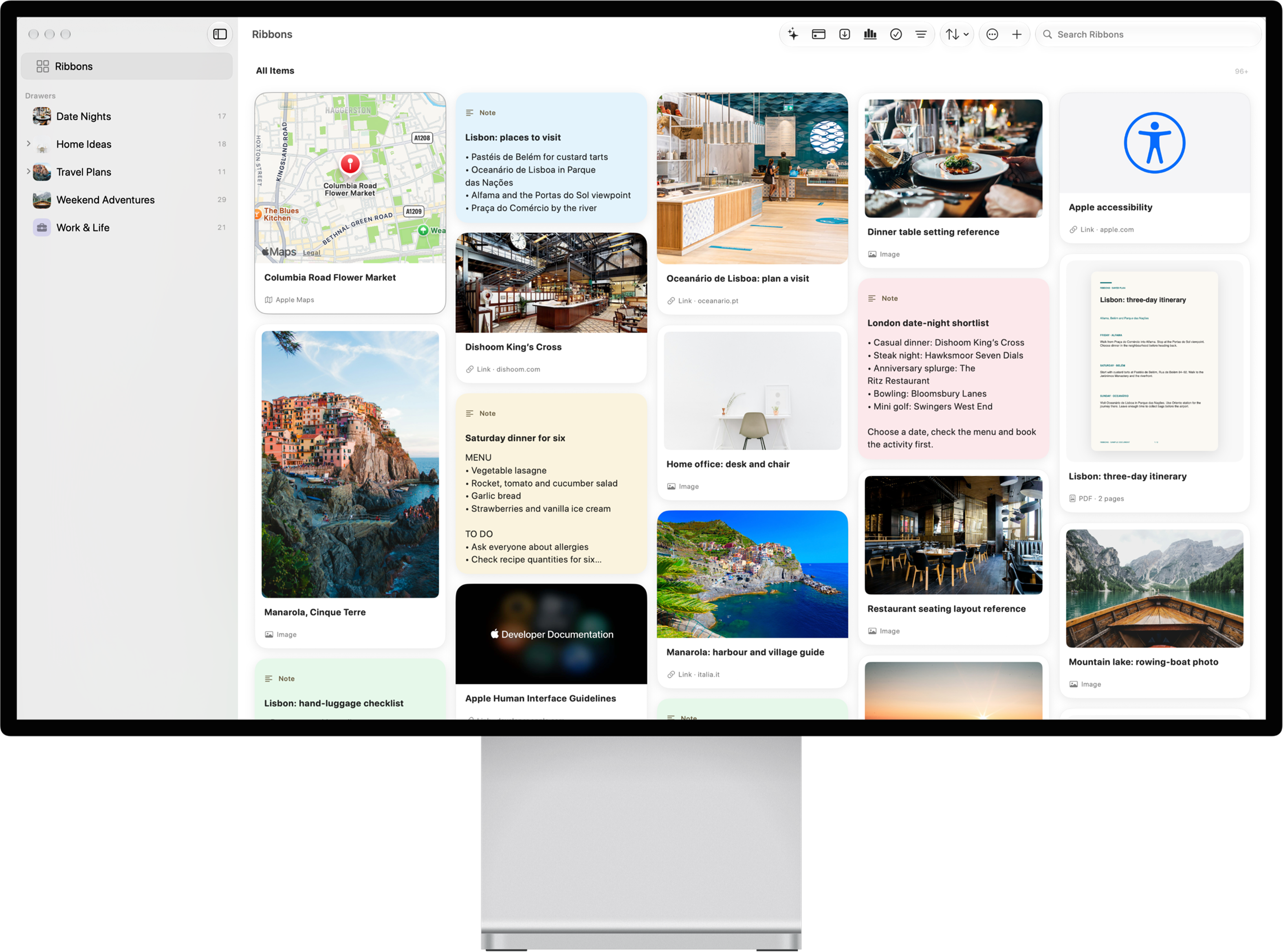
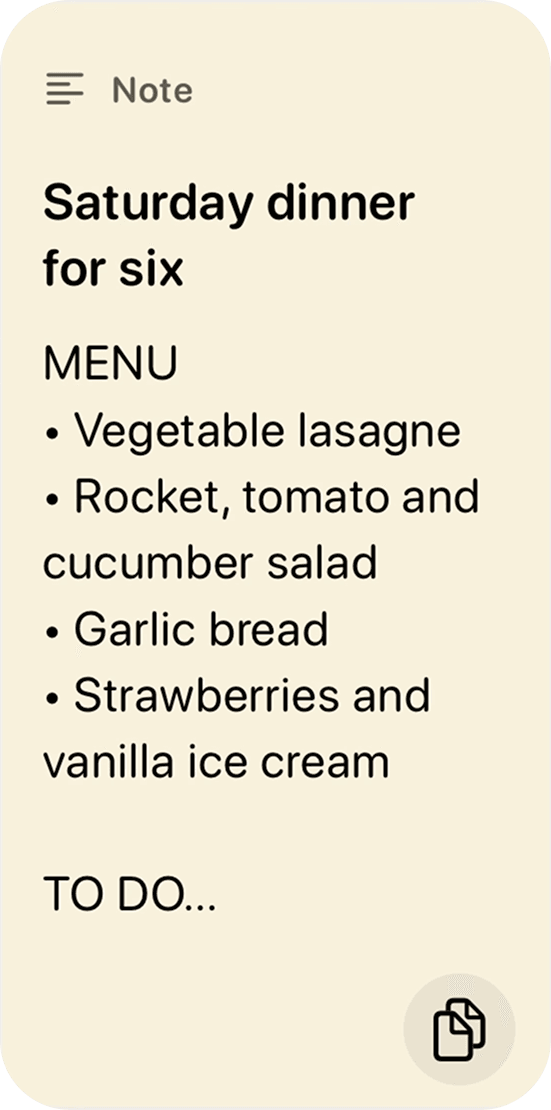
Keep PDFs, images, and text notes alongside links to websites, Apple Maps, Apple Music, TikTok, YouTube, Instagram, and LinkedIn. Different things, all easy to find again in Ribbons.





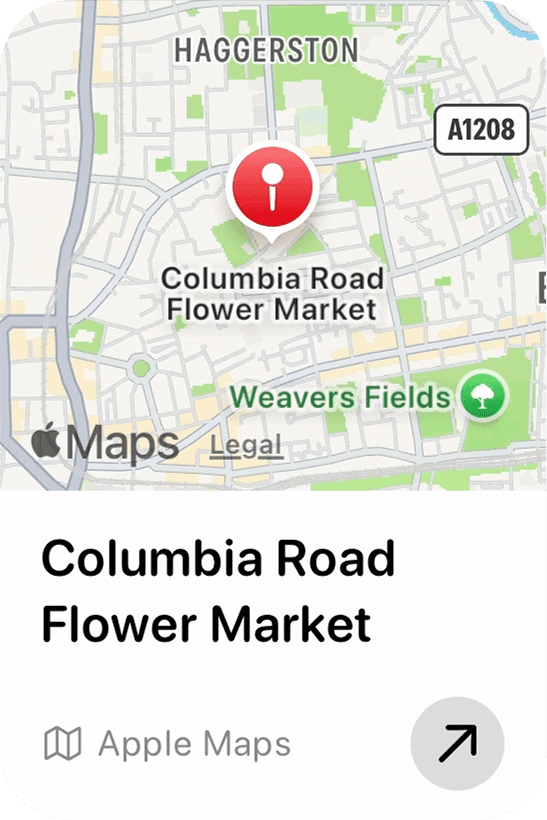





Remember a phrase, but not where you saved it? Deep Recall searches your text, images, and PDFs together. Text recognition finds words inside pictures and scanned pages, while a fast, local index brings back dependable results with a snippet showing why each one matched.
Bring related links, images, text, and documents together in a Drawer. Keep one private, or invite others into a Shared Drawer when you're planning together.
Keep plans, ideas, and references close in a personal Drawer. Organize them when it helps, in the order that makes sense to you.
Invite people into a Shared Drawer to keep useful things in one place. Choose whether they can view what's inside or make changes with you.
On OS 27, ask Siri to search Ribbons for the words you remember. Ribbons opens the results in the app, where Deep Recall helps you find the right Item.
Your saved things, ready when you need them. Choose where you want to use Ribbons.
For macOS

For iOS


For iPadOS